Sejda alternative for everyday PDF work
If you are looking for a Sejda alternative because several small PDF jobs have used up your free allowance, CherryPDF is worth considering for merging, splitting and compressing. These tasks run locally in your browser without an hourly job counter. Downloading their results requires a free CherryPDF account.
That recommendation is specific to those local tools. Sejda has a capable PDF editor and an offline desktop app. CherryPDF’s text editor and conversions have their own server requirements, so switching tools should begin with the task, not a promise that every restriction disappears.
Sejda’s limits depend on the tool
As checked on 28 October 2026, Sejda’s online editor lists a free allowance of three tasks per hour, with document limits of 200 pages or 50 MB. Its merge page lists three tasks per hour with limits of 50 pages or 50 MB. The editor’s page allowance should not be used to describe the merger.
| Decision | CherryPDF | Sejda |
|---|---|---|
| Repeat local page tasks | Merge, Split and Compress have no hourly job counter; device resources still matter. | The free online editor and merger list three tasks per hour. |
| Finish without an account | A free account is required to download results. | The free plan is advertised as requiring no signup. |
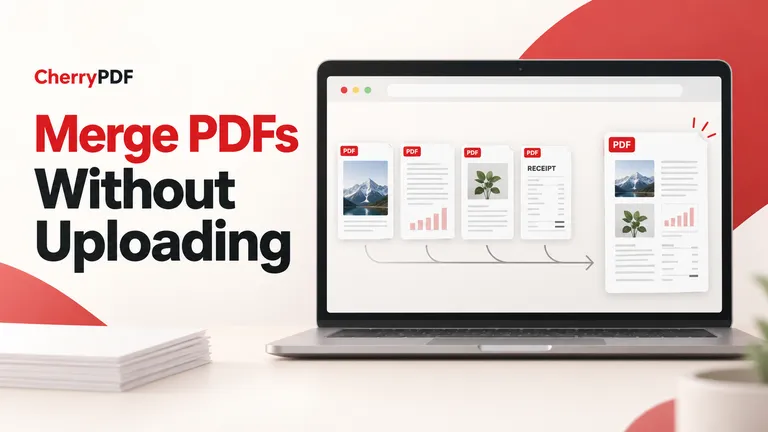
| Avoid uploading for merge processing | Use the browser merger; turn off optional account-copy saving. | Use the separate Desktop app for local processing. |
The account policy and paid options are listed on Sejda’s pricing page. If avoiding registration matters more than repeating several jobs, Sejda’s free service may suit you better.
Choose a page tool when the words do not need editing
A PDF editor is often unnecessary for the work that accumulates during a busy afternoon. Removing an irrelevant appendix, joining receipts and rotating a sideways page are page-management tasks. Opening each document in a full text editor adds work without helping you finish those jobs.
CherryPDF has dedicated tools for splitting a PDF, extracting selected pages and organizing pages. For a project handover, you might extract the current specification from a longer report, combine it with the latest drawings, and check that the drawings face the right way.
These local tools do not share a fixed upload-size allowance because the processing does not upload the document. Large scans can still exhaust browser memory. Work in smaller groups when needed, and keep the source files so you can repeat a step without relying on an earlier export.
What changes when you need to edit existing text
Both products offer existing-text editing. In CherryPDF Edit PDF, you can select text already on a page and change it. Exporting an edited existing document sends the original PDF and edits to the server. It is therefore a different privacy choice from using the local merge or split tools.
A scan needs separate consideration. A photographed sentence contains pixels rather than editable letters. CherryPDF can mark up a scanned page, but that does not turn the original words into ordinary editable text. Its OCR PDF tool can add a searchable text layer; OCR uses a server, and recognized text needs checking.
If your priority is a specific form feature, a difficult font or a complicated layout, compare the relevant editor behavior on a representative document you are allowed to use. A list of shared feature names does not establish that both products will handle that document equally well.
Browser processing and offline software are different choices
For CherryPDF’s local tools, the PDF processing stays in the tab. The optional keep-copy setting starts enabled; disable it before downloading if you do not want the result saved to your account. A free account remains necessary for the download. Details are in CherryPDF’s privacy policy.
Sejda’s web editor uploads files over an encrypted connection and states that files are deleted after two hours. Sejda Desktop processes documents on the computer. If you need an installed offline tool, that is an option to assess rather than treating all Sejda use as a server upload.
Try the workflow you repeat most often
Start with a routine task that does not require text editing. For example, add the PDFs for a client handover to CherryPDF Merge, arrange the files, exclude duplicate pages and inspect the output. Turn off account-copy saving if appropriate, then sign in and download the result without a watermark.
That is where CherryPDF’s advantage is easiest to assess: a sequence of everyday page tasks, processed on your device, without buying a plan to continue those local operations. Begin with Merge PDF and keep the source documents alongside the finished pack.