The cherrypdf blog
Practical guides to getting things done with PDFs: editing, organizing, converting, protecting and signing them.
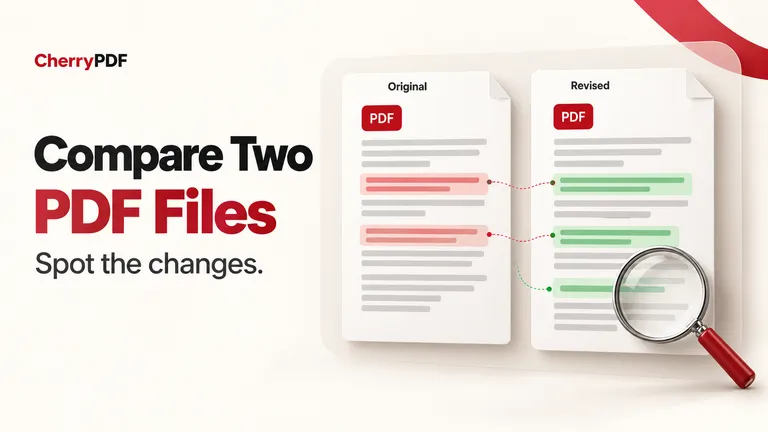
How to compare two PDF files and review the changes
Review two PDF versions side by side, inspect text and document changes, handle scanned pages, and download a report of the detected differences.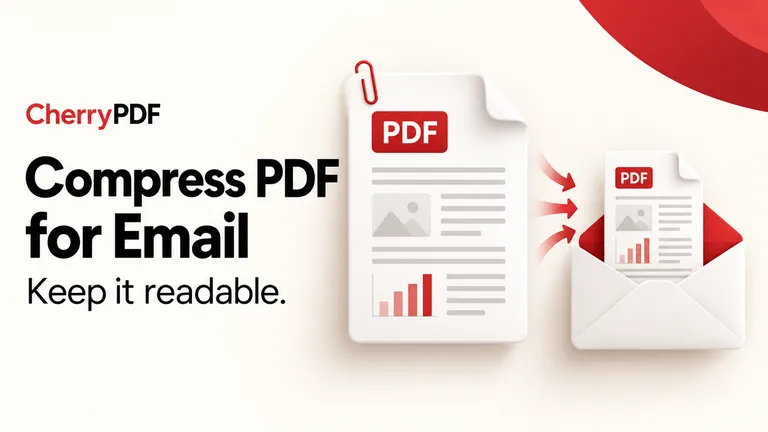
How to compress a PDF for email and keep it readable
Choose quality or target-size compression, understand why scans can lose detail, and check that the PDF you attach is small enough and still readable.
How to merge PDF files without uploading them
Combine PDFs and receipt images in your browser, check page order, and disable optional account storage when you want a local-only document workflow.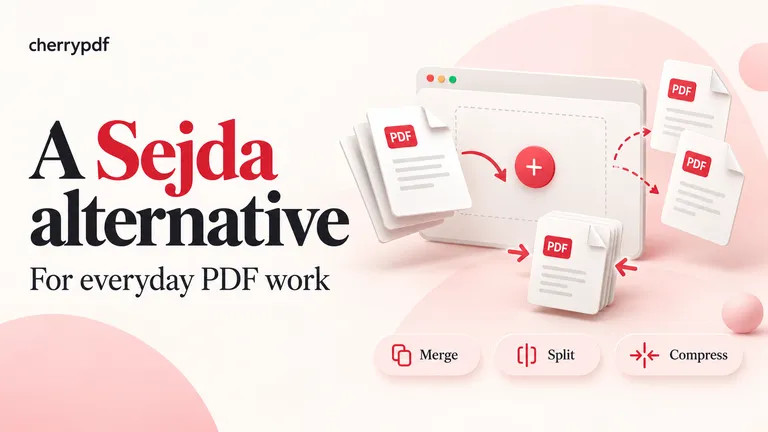
Sejda alternative for everyday PDF work
See when CherryPDF is a useful Sejda alternative for repeated page tasks, and where account requirements, editing and offline use change the decision.
iLovePDF alternative: when CherryPDF makes sense
Compare CherryPDF and iLovePDF for everyday PDF work, including local merging, free access, account requirements and the limits that matter.